
How to
How to film a convincing ghost-hunting clip
Found-footage horror has a visual grammar — grain, a bad frame rate, a handheld wobble, almost no light. Here is how to get it on a phone.
Updated
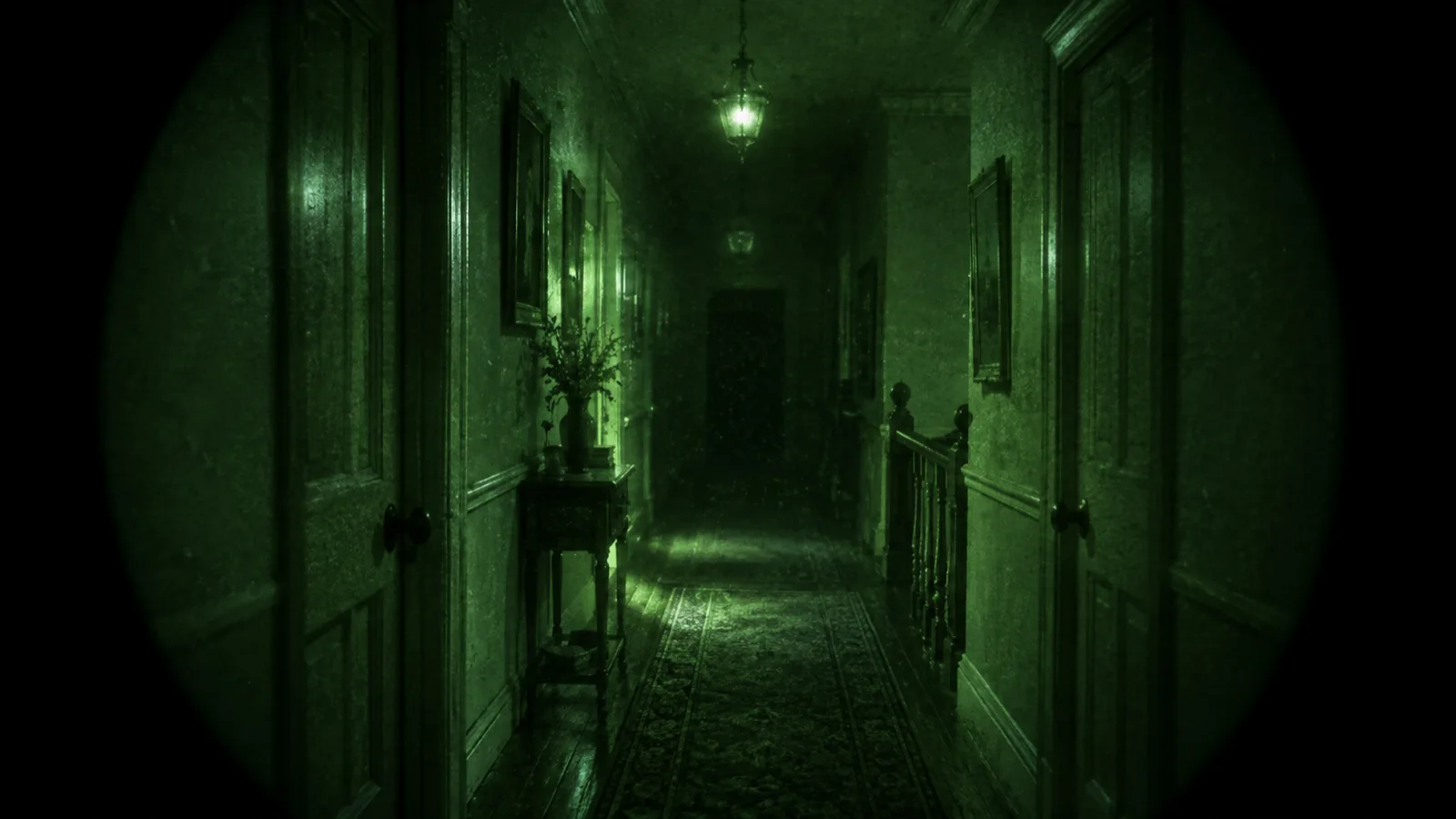
A convincing ghost clip is almost entirely about restraint. The effect does maybe a fifth of the work; the rest is what you do not show, how badly you light it, and how boring the first twenty seconds are.
This is a Halloween piece, and every technique in it is a filming technique. Nothing here detects anything.
Why found footage looks the way it does
The genre borrowed its look from equipment that was genuinely bad: consumer camcorders in the late nineties, night vision tubes, CCTV. The visual signature is a list of flaws.
Grain and noise. Real low-light footage is full of it, and clean footage reads as fake instantly.
A single, wrong light source. One torch, one screen, one doorway. Even lighting kills it.
Wobble. Handheld, breathing, a small correction when something moves. Gimbals are the enemy here.
Dead air. The reason those clips work is that nothing happens for a long time first. Most amateur attempts start the scare at four seconds.
Setting up the shot
Pick a frame with depth. A corridor, a doorway, stairs going up into dark. You need somewhere for the eye to worry about — a place where something could be and is not.
Put the phone on something. Handheld for walking shots, but for the static “something happens” shot, rest it on furniture. A locked-off frame makes any movement in it far more unsettling, and it means you can be in the shot.
Kill the lights and leave one. A phone screen face-down on a table, a torch pointed at the ceiling, the glow from a landing. Underexpose on purpose.
Use the front camera for face shots. It is worse in low light, and here that is the point.
The effect settings that actually help
In Thermal Camera, the looks worth using for this are the NIGHT ones.
GHOST is built for it — a cold, smeared, high-contrast grade with heavy grain and a soft trail on movement. Set the intensity around two-thirds; at full it announces itself.
Green or amber night vision if you want the classic tube look, with the vignette and bloom that come with it.
Turn the HUD on for the scan grid and the brackets that appear around people the app finds in frame. On a locked-off shot, brackets appearing in an empty corridor as someone walks in do more work than any effect.
Record video, not stills. The trailing and grain only read in motion.
Use the Apple Watch shutter. Put the phone at the end of the corridor, walk into the frame, and start the recording from your wrist. This is the single biggest step up in production value available to one person.
The part people get wrong
Do not show the thing. The moment you cut to a clear image of whatever it was, the clip is over — the viewer’s imagination was doing better work than your effect ever will.
The best version is: forty seconds of nothing, one ambiguous movement at the edge of frame, and the person filming reacting to something we never see.
And to be clear
None of this detects anything. The app is a camera with effects; the ghost look is a colour and grain treatment on a live picture, and the brackets come from Apple’s on-device Vision framework finding the shape of a person. We wrote about the genre in ghost detector apps, and the short version is that no phone sensor could detect a ghost even in principle.
Which does not make the clip less fun to film. It just means the fun is filmmaking.