Apps
Night vision camera apps, honestly
No app turns a phone into night vision. Here are the three kinds of night vision app you will find, why a phone cannot see in total darkness, and what to check before you download.
Updated
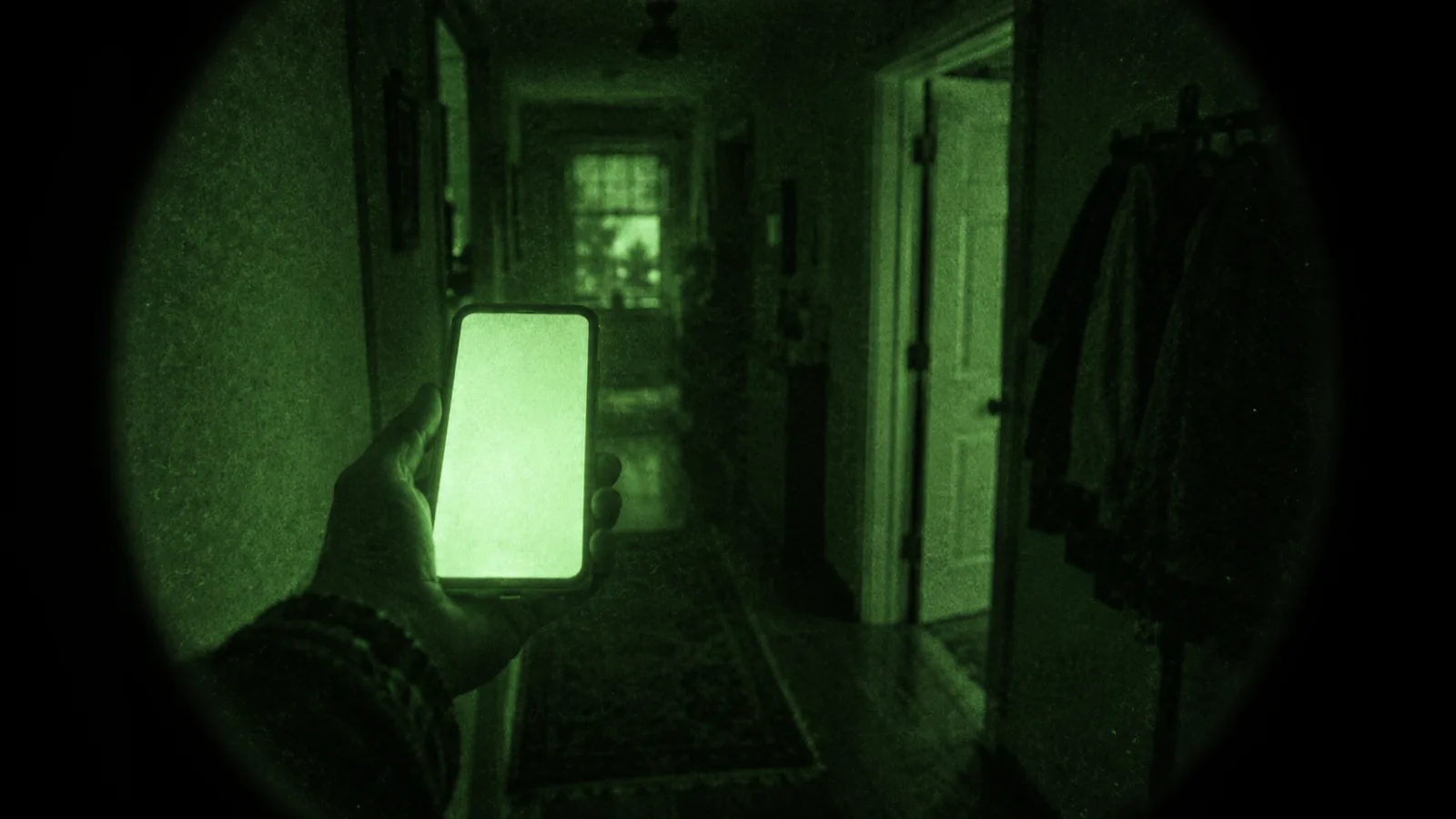
No app turns a phone into night vision. Night vision goggles amplify the light that is there by tens of thousands of times, inside a vacuum tube. A phone has no such tube. What a “night vision camera app” can do is tint the camera picture green, or brighten a dim scene with longer exposures. Some cannot even do that.
That still leaves useful apps. You just need to know which kind you are looking at.
What real night vision does
A night vision tube takes the few photons there are — starlight, moonlight, the glow of a city in the clouds — and turns them into electrons. A microchannel plate multiplies the electrons. A phosphor screen turns them back into light, which is why the picture is green. The whole chain is in how do night vision goggles work.
The important part is that the light is amplified before it becomes a picture. A phone camera cannot do that. Its sensor counts the photons that land on it, and the phone works only with what it caught.
The three kinds of app you will find
1. Filters. These take the live camera picture and give it the night vision look: green or amber tint, grain, a glow around bright lights, a dark vignette. A good filter is a convincing effect for photos and video. It does not help you see. In a dark room the picture is still dark, only green.
2. Low-light and long-exposure apps, and the built-in Night mode. These are the ones that really brighten a dim scene. They keep the shutter open longer, or take several frames and combine them, then reduce the noise. Google launched Night Sight on Pixel phones in November 2018. Apple added Night mode with the iPhone 11 in 2019, and it turns on by itself when the camera detects low light. Both are free and already on the phone. Most third-party “night vision” apps that claim to brighten do a weaker version of the same thing.
3. Fake and prank apps. Some show a canned green video, or a green screen with a fake scope and numbers on it. A few say “prank” in small print. They are harmless as a joke and useless for anything else.
Why a phone cannot see in total darkness
It needs light. Night mode and long exposures collect more of the light that is there. If there is none — a windowless cellar with the door shut — there is nothing to collect, and no processing can invent it.
The sensor filters out most infrared. Phone sensors are silicon, which can respond to some near infrared. Phone cameras put an IR-cut filter in front of the sensor so daytime colours look right. That is the opposite of what a night camera wants. The difference is explained in infrared vs thermal camera.
There is no lamp an app can use. Security cameras see in the dark because they carry their own infrared LEDs. An iPhone has infrared parts too: Face ID’s flood illuminator and dot projector. They are built for unlocking and face depth, and apps cannot switch them on as a light or record their infrared picture. Developers get depth data from the front camera, not an infrared image. More in does your phone have infrared?
The flashlight is visible light. You can turn on the torch, but then you are not using night vision. You are lighting the room.
What to check before downloading
- Does it say “filter”, “effect” or “simulated”? Good sign. The developer is describing the product honestly.
- Do the screenshots look too good? A crisp green picture of a pitch-black forest is a mock-up, not a screenshot.
- Does it promise to see in “total darkness”? No phone app can. Walk away.
- Have you tried Night mode first? If you want to see more in dim light, the Camera app you already have does it best.
- What do the one-star reviews say? “Just a green filter” or “only a prank” tells you exactly what you have.
Where ours sits
Thermal Camera by App Department is in the first category, and says so. Its night looks include green and amber night vision that recreate the phosphor glow, grain, bloom around bright points and vignette of a real tube, plus an infrared grade closer to a digital security camera. They are rendered live on the camera picture, and they work for video as well as photos. Each look is described in the twenty looks, explained, and the night vision page is here.
It is a filter. It amplifies no light, and it measures no temperature. In a dim room it gives you the look of night vision on a picture your camera can already see. In a dark cellar it shows you a dark cellar, in green. If you need to really see in the dark, you need a tube or a thermal camera; the trade-offs are in night vision vs thermal and the prices in how much do night vision goggles cost.
Download on the App Store — free to download, iOS 17 or later.
Related
Frequently asked questions
Do night vision apps actually work?
Not as night vision. A phone cannot amplify light the way an image intensifier tube does, so no app lets you see in a dark room the way goggles do. What apps can do is tint the live camera picture green, or brighten a dim scene with longer exposures and processing, which is what the built-in Night mode on iPhone and Night Sight on Pixel do. Some apps are only pranks.
Can my phone see in complete darkness?
No. A phone camera records light that reaches its sensor, and in complete darkness there is none. Night mode and long exposures need at least a little light. The phone has no infrared lamp that apps can switch on, and its camera sensor sits behind a filter that blocks most near infrared.
What is the best night vision app for iPhone?
If you want the night vision look for photos and video, pick an app that says it is a filter. Thermal Camera by App Department has green and amber night-vision looks with grain, bloom and vignette, rendered live on the camera picture. If you want to actually see more in dim light, use the iPhone's own Camera app, whose Night mode turns on by itself in low light. Neither one works in total darkness.